


The headline for animators is control. Autodesk positions its current AI direction around editable, directable output: tools should accelerate repetitive or technical work while the artist continues to determine performance, timing, cameras, lighting and the final frame.
That message becomes tangible in Maya 2027. The release adds a direct connection to Flow Studio, integrated layer-based Skin Tools, Sequencer refinements, updated USD asset-building workflows, LookdevX 2.0, Bifrost 3 and Arnold for Maya 5.6. It also introduces Autodesk Assistant as a Tech Preview inside the application.
The important distinction is that Maya remains the place where a production is shaped with explicit scene data. Flow Studio can accelerate the early stages and generate useful export elements; Maya is where an animator, rigger, layout artist or supervisor can refine those results inside a professional DCC workflow.
Maya 2027
Arnold for Maya 5.6
Flow Studio, MotionMaker, Assistant
Animation, skinning, USD, Bifrost and look development
What actually changes for an animator in Maya 2027?
More useful animation infrastructure, not a replacement for craft
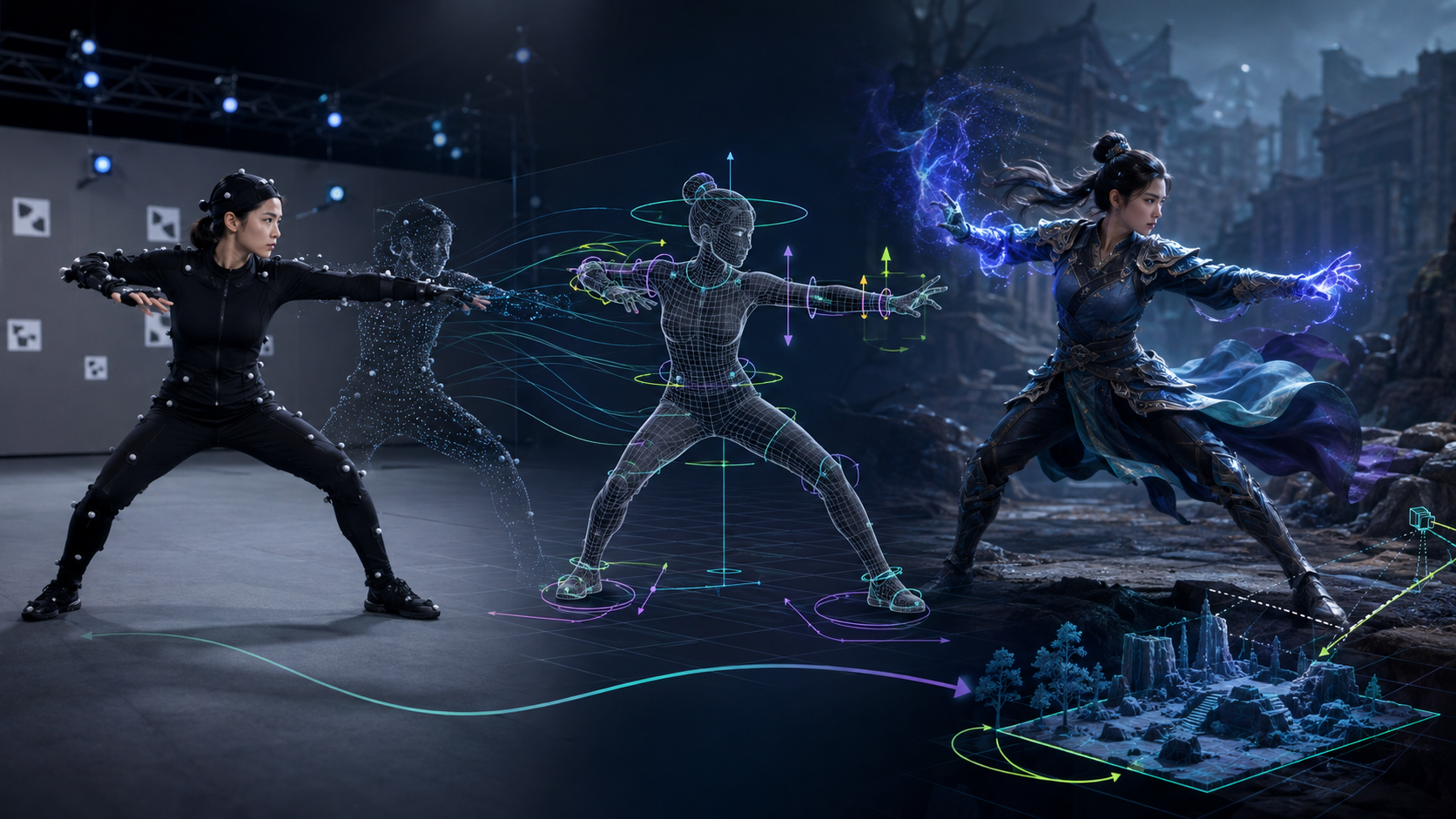
Maya 2027’s animation-facing changes are pragmatic. MotionMaker gains an equine character and workflow refinements, while the new integrated Skin Tools bring a layer-based skinning system based on ngSkinTools directly into Maya. Advanced masking and mirror tools belong here because they solve daily rigging and corrective-weight work rather than offering an opaque one-click answer.
The Sequencer receives updates to shot editing, organization, grouping and playblast output. For productions moving repeatedly between blocking, editorial context and review, those small workflow decisions often matter more than a headline feature.
Keep the editable decisions in the scene
Animation, skin weights, timing and camera choices remain explicit, revisable production data. AI can supply a starting point; it does not remove the need for direction, cleanup, approval and final artistic judgment.
Arnold in the viewport makes look development more immediate
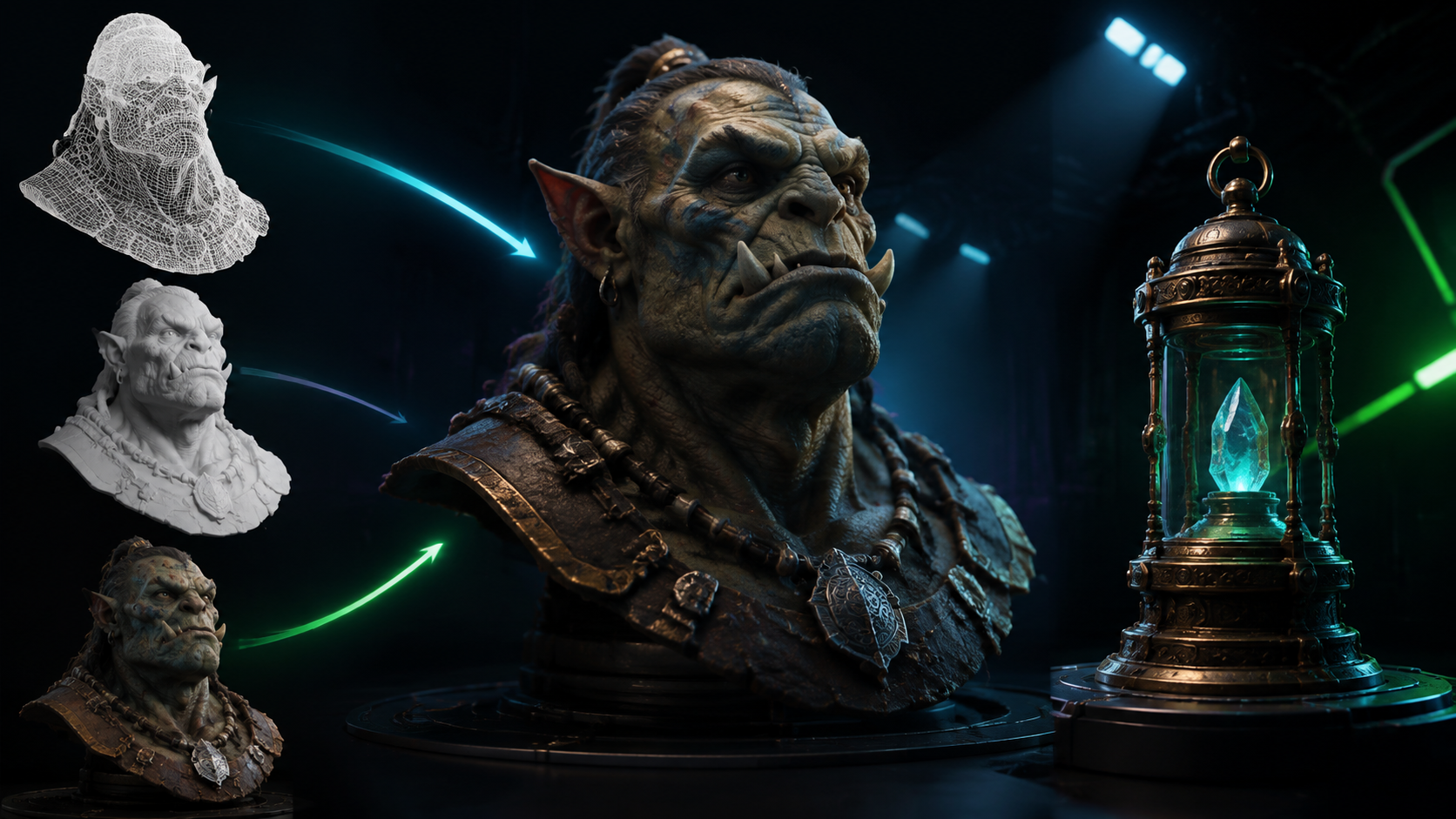
Arnold viewport look development — MGraficos editorial visualization, not a literal product capture.
Feedback where the shot is made
Arnold viewport rendering means the lighting, material and composition discussion can happen against the same camera and scene where the animator or layout artist is working. It reduces the context switching of separate test renders, especially during look development and lighting iteration.
Acceleration is not a promise of a fixed speed
Autodesk documents Accelerated Viewport as GPU rendering with DLSS denoising and a target interactive FPS. Actual responsiveness still depends on the scene, GPU memory, shaders, sampling, resolution and the workstation. The value is fast feedback, not a universal benchmark claim.
Unified Review brings feedback back to the production record
Review the shot together, preserve the decision
Review in Flow Production Tracking is a web-based environment for Versions and Playlists. Live Review sessions support synchronized playback, shared annotations and notes, with Presentation Mode for a led review and Collaboration Mode when every attendee needs to contribute.
- Browser-based playback of versions and playlists
- Frame annotations and notes connected to production data
- Side-by-side version comparison
- Live Review with synchronized playback and shared feedback
- Role-based access must be enabled by the site administrator
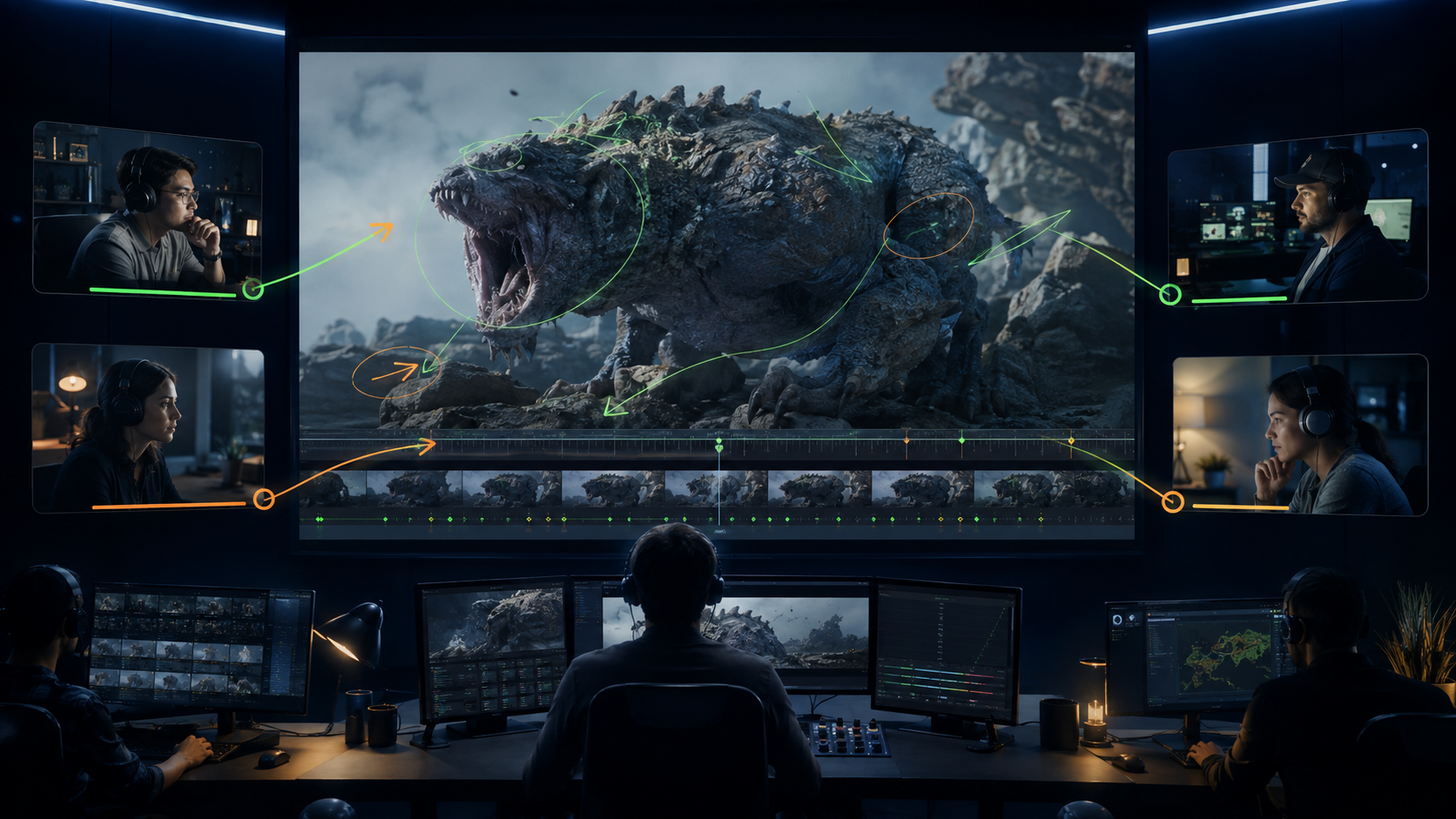 Connected review across a VFX team — MGraficos editorial visualization.
USD, LookdevX and Bifrost keep the scene pipeline moving
Build assets with Component Creator and Variant Manager
Maya 2027 adds USD asset build tools intended to make component construction and variant management more systematic in a production pipeline.
More portable look development
LookdevX 2.0 adds expanded UV texture menus, portability, archiving and refreshed icons: less glamorous than a renderer headline, but relevant to sharing material work cleanly.
Simulation improvements where detail matters
Bifrost 3 brings RBD updates, small-scale liquid work and surface-tension controls for high-resolution droplets and splashes, together with performance improvements.
In-product guidance, clearly marked as Tech Preview
Autodesk Assistant is an AI-powered feature for finding information about workflows and features directly within Maya. It should be assessed as a preview capability, not as a replacement for studio documentation or technical direction.
Gaussian Splats: a real Arnold capability, with product boundaries made clear

3D Gaussian Splats to rendered environment — MGraficos editorial visualization.
Arnold 7.5.2 added 3DGS rendering and relighting
Arnold documents support for rendering and relighting 3D Gaussian Splats loaded from PLY files. That establishes 3DGS as part of the Arnold conversation around captured environments and hybrid production assets, with documentation for multiple DCCs including Maya.
For Maya artists, the meaningful question is not whether point-based captures replace modeled production assets. It is where they can speed up environment representation, scouting, reference or hybrid scene work while the team retains control of the final shot.
Rendering and relighting support for PLY-based 3DGS.
Native 3ds Max 3DGS data and a new points object type are documented there.
Use 3DGS as an Arnold ecosystem capability; do not claim Maya inherits 3ds Max native-object features.
Use the right tool at the right stage, then retain the ability to revise
A robust 2027 workflow can begin with live action, concept imagery or a rough animation idea; use Flow Studio where it genuinely reduces setup; bring editable data into Maya; use Skin Tools, animation controls and USD to make the result production-ready; evaluate lighting through Arnold; and send versions to Flow Production Tracking for contextual review.
The direction is not “AI instead of artists.” It is a more connected handoff between generation, direction, technical refinement, rendering and review. The operational test is simple: can the team still revise the performance, camera, materials, timing and final delivery when the brief changes?
Three takeaways from Maya 2027
AI becomes useful when it remains directable
Flow Studio is most valuable when it supplies editable CG context, mocap, camera tracking or early shot material that an artist can still shape with intent.
Iteration gets closer to the working scene
Arnold viewport rendering, GPU acceleration and interactive controls support lighting and lookdev decisions while the camera, animation and layout are still live.
Pipeline features matter as much as headline features
Integrated skinning, USD asset tools, review continuity and simulation updates reduce the friction that normally appears between individual departments.
Maya 2027 is about a connected, editable production system
This release has value because it combines concrete DCC improvements with an ecosystem that treats AI, review and scene data as parts of the same production chain. It does not remove the need for experienced animators, riggers, lighters or supervisors; it gives them more places to intervene deliberately.
For independent artists, that can mean moving from footage or an idea to an editable starting point more quickly. For a studio, it can mean preserving review context, assets, timing and decisions across more distributed teams without flattening creative work into disconnected exports.
What this article is based on
This article separates Maya-specific features from Arnold and 3ds Max capabilities. It is based on Autodesk’s official release documentation and product announcements current at publication:
Maya 2027 strengthens the work around the shot, not just the tools inside it
The major news is not a promise that AI will make animation effortless. It is a more credible proposition: use AI where it speeds up early work, then preserve the ability to direct and revise inside a Maya-centered pipeline. Arnold viewport rendering, integrated Skin Tools, USD improvements and Flow-connected review make that proposition more practical.
Teams should still test the workflow against their own assets, hardware, approvals and pipeline rules. But the direction is sound: faster iteration is only valuable when the people responsible for the image keep control of it.




Leave a Reply