
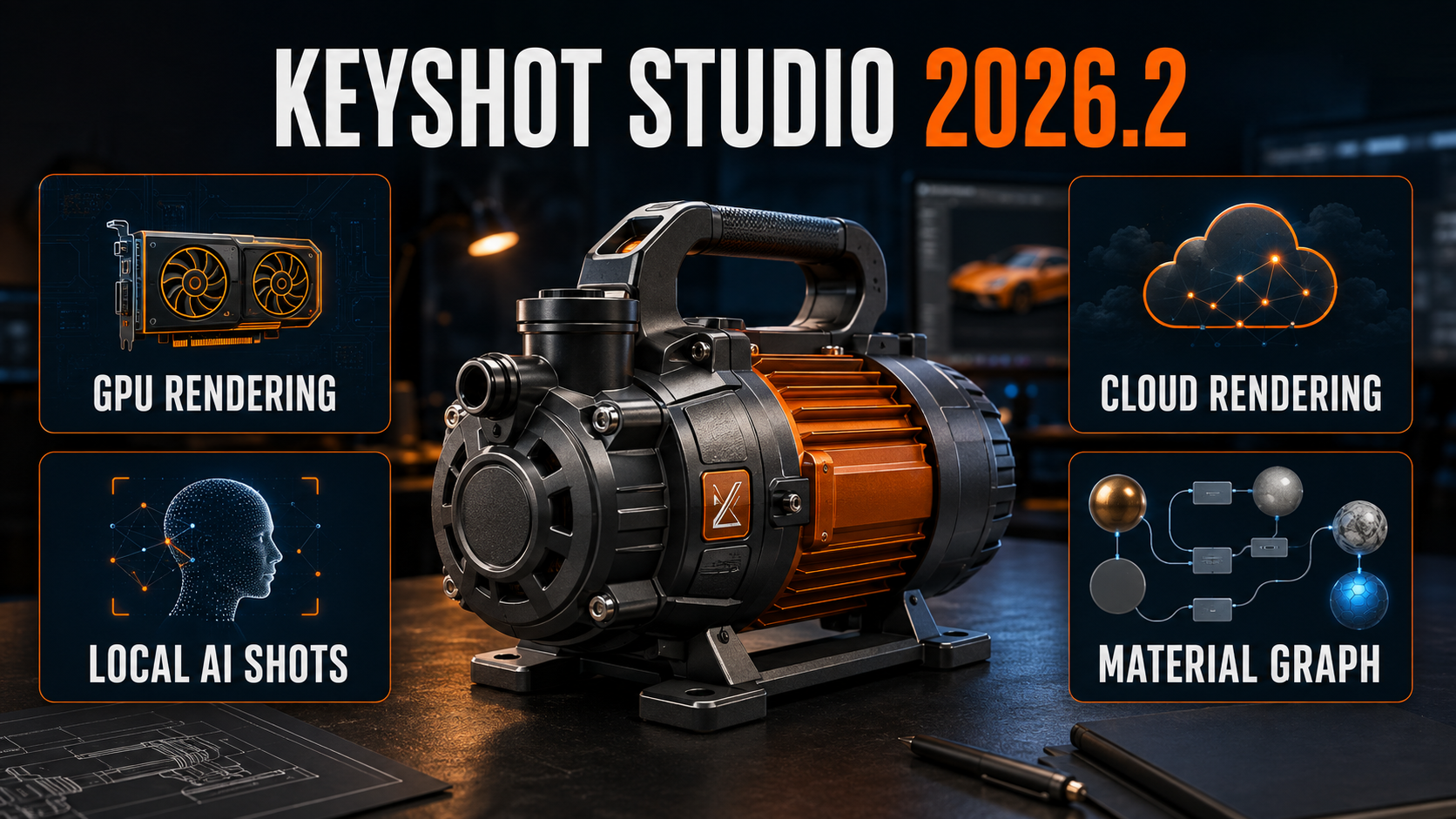
In September 2026, KeyShot Studio 2026.2 is the current major release of KeyShot’s professional product-visualization environment. The update is not built around a single headline feature. Instead, it strengthens the entire path from an imported CAD model to final images, animations and presentation-ready assets.
The most important changes are broader GPU access, the introduction of KeyShot Cloud Rendering, better organization inside the Material Graph, faster production tasks and continued development of AI Shots. Together, these improvements make KeyShot more flexible for designers who work locally, across different hardware platforms or with demanding delivery schedules.
For studios already using KeyShot in 2026, the practical question is no longer whether it can create a photoreal product render. The more useful question is how quickly a team can move from engineering data to a controlled, repeatable visual campaign. Version 2026.2 addresses that production problem directly.
KeyShot Studio 2026.2
Apple Silicon GPU rendering in beta
AI Shots runs locally after initial setup
CPU and GPU Cloud Rendering through Render Queue
What KeyShot Is Used for in 2026
From CAD data to visual communication
KeyShot remains focused on turning 3D models into convincing visual content without forcing designers to rebuild their projects inside a traditional animation or visual-effects package. A model can arrive from a CAD or DCC application, receive physically based materials, lighting and cameras, and become a still image, product animation, design review or marketing asset.
That makes it especially relevant to industrial design, engineering, manufacturing, packaging, consumer products, automotive visualization and any workflow where the geometry already exists but needs to be communicated clearly.
Fast decisions before physical production
Materials, finishes, colors, lighting and environments can be evaluated before prototypes, photo shoots or final production. The result is useful not only for attractive imagery, but also for approvals, stakeholder communication and product-development decisions.
GPU Rendering Expands Across More Hardware

Cross-platform GPU rendering concept — MGraficos editorial visualization.
Established Windows GPU mode with hardware-accelerated ray tracing and multi-GPU selection.
Supported on qualifying recent Windows hardware, with requirements that should be checked before deployment.
Direct Apple Silicon GPU rendering arrives in 2026.2 as a beta capability.
CPU rendering remains available and also receives performance improvements in this release.
Apple Silicon becomes a serious rendering option
KeyShot Studio 2026.2 introduces GPU rendering for Apple Silicon in beta. KeyShot states that M1 and newer systems are supported, while M3 and newer chips are recommended because they include hardware-accelerated ray tracing. This is a major change for Mac-based designers who previously relied primarily on CPU rendering.
KeyShot has reported gains of approximately 30–50× on some scenes using recent M5 hardware when compared with rendering on the Apple CPU. That figure is a vendor example, not a universal benchmark; actual gains depend on the scene, materials, memory and hardware configuration.
Why GPU performance matters in daily work
Faster rendering changes more than final export time. It makes material evaluation, lighting adjustments and camera decisions more interactive. Designers can test more options during the same review session and reserve high-sample renders for the variations that have already been approved.
GPU mode can be used for the real-time view and local output, while KeyShot allows compatible GPU resources to be selected. Memory remains a practical limit: complex geometry and high-resolution textures must fit the available GPU memory.
Where AI Helps—and Where Physical Rendering Still Matters
Concept acceleration, not engineering replacement
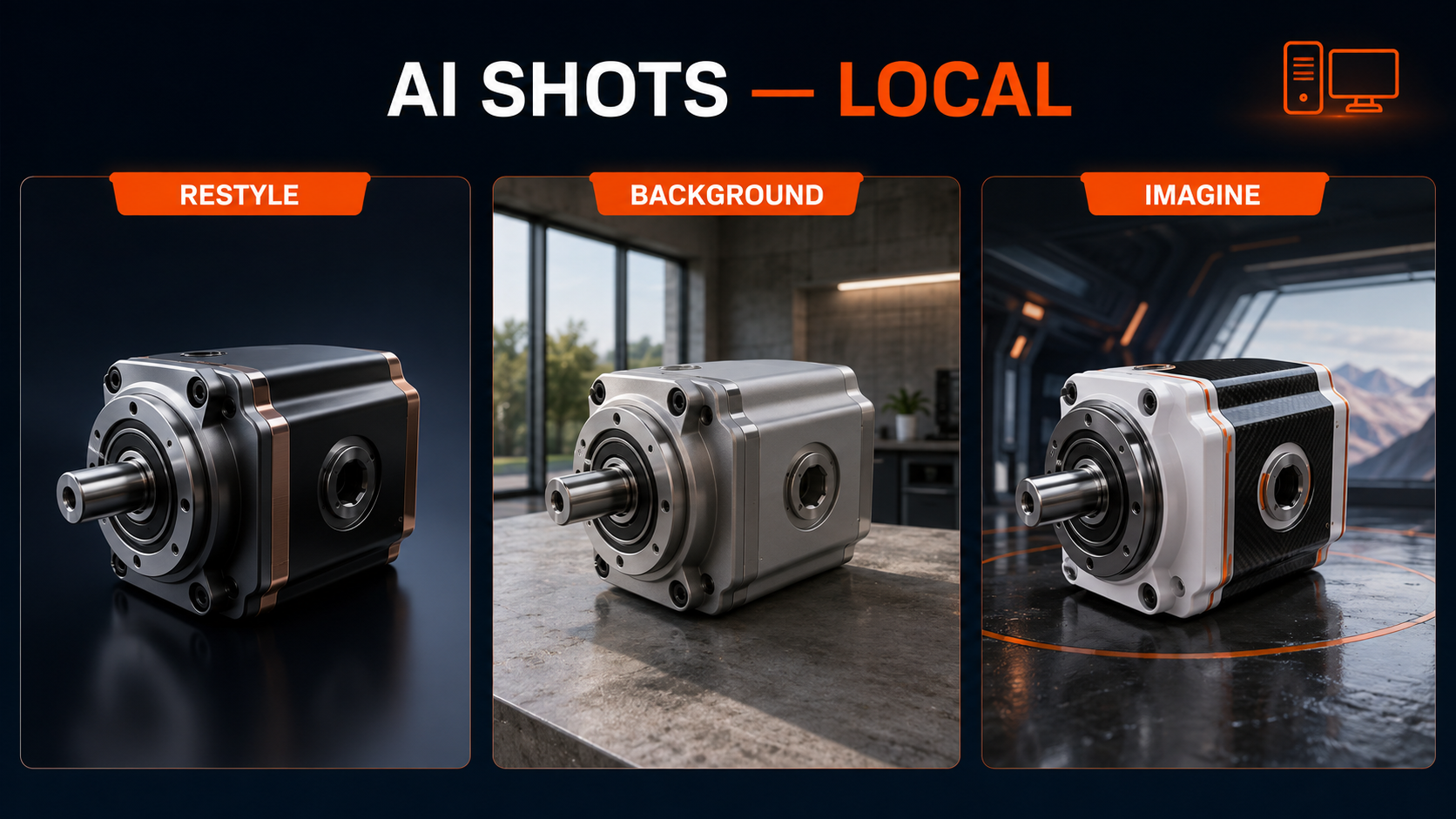
AI Shots is most valuable during visual exploration: testing backgrounds, presentation moods, surface directions and campaign ideas before committing time to a fully constructed scene. It can shorten the distance between a technically correct render and a broader creative discussion.
The physically rendered KeyShot scene remains essential whenever exact geometry, material response, camera consistency or repeatable product accuracy is required. Generated output should be reviewed carefully before it is used as technical evidence or as a definitive representation of a manufactured product.
AI Shots requires a KeyShot Studio subscription license.
Approximately 19.4 GB is required for setup.
Larger images require more generation time and memory.
KeyShot recommends at least 16 GB of VRAM for best results.
Cloud Rendering and Production Tools Reduce Bottlenecks
Send the render and keep working
Version 2026.2 can send supported jobs from the Render Queue to cloud CPU or GPU hardware. The local workstation remains available for scene preparation, material work and other projects while output is processed remotely.
- CPU- and GPU-based cloud compute
- Submission through the Render Queue
- Job tracking and downloads across machines
- Credit-based usage and visible cost estimates
- Availability may depend on account and rollout access
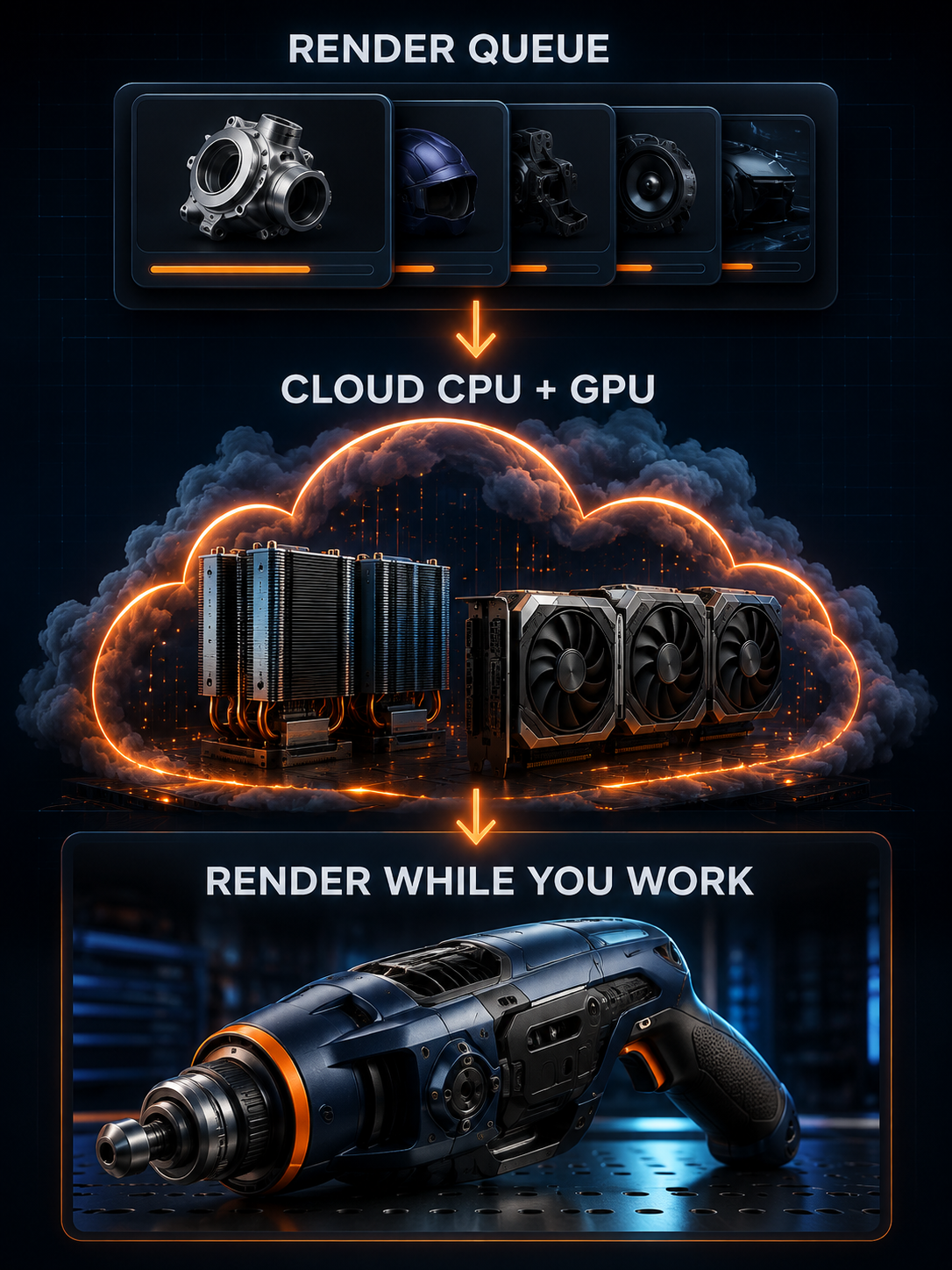
KeyShot 2026.2 production workflow — MGraficos editorial visualization.
Smaller Improvements That Matter in Real Production
Node Groups
Complex material networks can be organized into groups with custom names, colors, inputs and outputs, making reusable materials easier to understand and maintain.
Direct Keyframes
A selected part or camera can begin a keyframe animation directly from the timeline, removing an unnecessary setup step.
Smaller GLB Files
KeyShot reports that optimized glTF/GLB geometry can produce files around two to three times smaller in some cases. Results depend on the model.
Faster Automation
Script execution has been optimized, with additional support for creating, editing and deleting object and camera keyframe animations.
Updated CAD and DCC Data
Datakit 2026.2 expands compatibility for current CATIA, Parasolid and NX data, while direct Maya 2027 import support is also included.
Workflow Fixes
The release addresses freezes, crashes, camera behavior, timeline interaction, galleries, Colorways and other daily usability problems.
Choosing the Right Compute Path for Each Stage
A practical KeyShot workflow can now use different resources for different jobs. CPU rendering remains dependable and broadly compatible. Local GPU mode is ideal for responsive look development and fast final output when compatible hardware and sufficient memory are available. AI Shots accelerates visual exploration on the local machine. Cloud Rendering adds capacity when deadlines or workstation availability become the limiting factor.
MATERIALS→
LIGHTING→
LOCAL GPU / CPU→
AI EXPLORATION→
CLOUD OR LOCAL OUTPUT
The best option is therefore not always the fastest theoretical device. The correct choice depends on scene size, texture memory, required accuracy, data policies, deadline and whether the workstation must remain available for continued design work.
Three Takeaways from KeyShot Studio 2026.2
GPU access is broader
Windows users retain NVIDIA and qualifying AMD options, while Apple Silicon GPU rendering gives Mac users a new beta path.
AI stays close to the render
AI Shots adds rapid creative exploration without replacing the controlled, physically rendered product scene.
Rendering becomes more flexible
Local CPU, local GPU, network resources and cloud compute can serve different production needs and deadlines.
KeyShot Is Becoming a Visualization Production Platform
The direction of KeyShot in 2026 is broader than faster ray tracing. The software is connecting accurate rendering, generative exploration, material organization, animation, export and scalable compute in one production environment.
For independent designers, this can mean generating more client-ready options without assembling a large rendering pipeline. For studios and manufacturers, it can mean distributing work more intelligently, maintaining complex materials and producing stills, animations and lightweight assets from the same source model.
KeyShot Studio 2026.2 Is an Important Workflow Update, Not Just a Feature Release
Apple GPU support is the most visible technical addition, but the larger value comes from flexibility. Designers can render locally on more hardware, explore presentation ideas with local AI, offload supported jobs to cloud compute and keep increasingly complex material and animation projects organized.
KeyShot still delivers its greatest value when visual accuracy and speed must work together. Version 2026.2 strengthens that balance while giving artists and product teams more options for deciding where—and how—the work is processed.





Leave a Reply