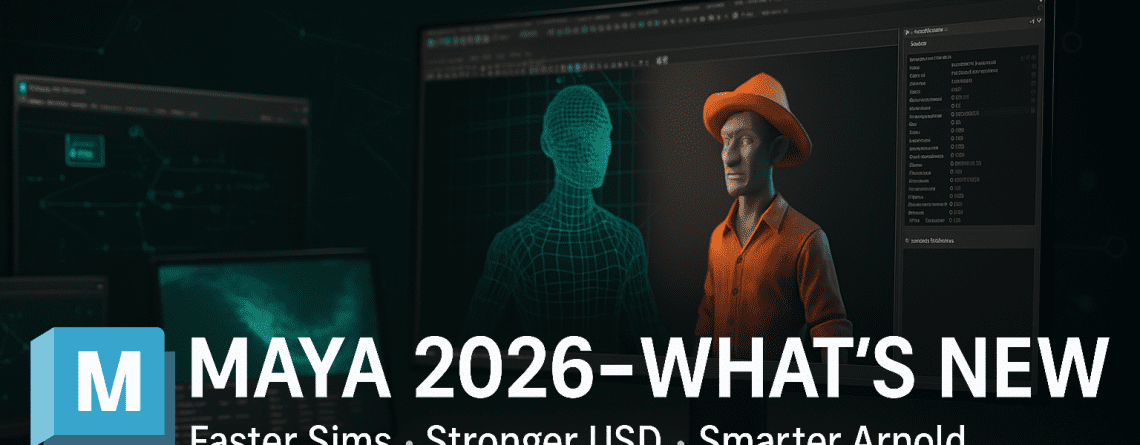
Maya 2026: What’s New—and How It Levels Up Your Pipeline
Maya 2026 doubles down on real workflow gains: faster look-dev & sim via Bifrost, sturdier USD handoff (24.11/25.05), Arnold upgrades (incl. GPU Toon & HTML render stats), OpenPBR as default, and production niceties across modeling, animation, and color management.
Overview
For working artists, the headline is simple: reach first-pixel faster, exchange scenes more reliably with USD, and iterate with clearer diagnostics. 2026 also ships Bifrost by default, bringing procedural tools closer to day-to-day Maya work.
1) Modeling: cleaner booleans, STL units dialog & retopo options
Boolean robustness improves everyday hard-surface workflows; a new dialog lets you set units for STL files; and Flow Retopology (included with Maya 2026) helps tame dense scans or concept meshes.
- Booleans: fewer edge anomalies on complex ops, faster cleanup to quads/ngons you can retopo.
- STL units: less guessing when shuttling meshes to print workflows.
- Flow Retopology: offload heavy jobs and get clean topology for look-dev or rigging.
2) Animation: MotionMaker & Animate-in-Context refinements
MotionMaker speeds up natural motion authoring without external mocap; Animate-in-Context improves contextual shot navigation, so layout/animation artists see surrounding shots directly in Maya and iterate faster.
3) Rigging: Bifrost Modular Rigging Framework
The Bifrost modular rigging framework enables procedural, reusable rig graphs. Build components, publish as templates, and wire them per character. Great for crowds, background characters, and quick variations.
4) Bifrost: liquids in-graph, procedural scattering & shipping by default
Bifrost 2.13+ introduced a FLIP liquid solver directly in the Bifrost graph, and the 2026.2 update ships Bifrost by default with Maya—no extra installs. You get richer nodes, faster browsing, and sample graphs to kickstart effects.

- Liquids in-graph: simulate, cache, and hand off without leaving the graph.
- Reusable graphs: kitbash scattering, dust, debris, and background effects.
- Pipeline-friendly: publish to USD/Alembic for lighting and comp.
5) USD for Maya: 24.11 by default, 25.05 available; curve exports
USD for Maya 0.33 in 2026.2 includes both USD 24.11 (default) and 25.05 (optional at launch). You can export animation curves for camera/light properties with 24.11 and transform curves with 25.05—making previs/layout and lighting handoffs cleaner.

- Version choice: match studio standards; avoid USD version ping-pong.
- Curves export: camera/light curves with 24.11; transform curves with 25.05.
- Round-trip sanity: fewer surprises when exchanging with USD-centric DCCs.
6) Look-dev: OpenPBR default shader & OCIO tweaks
Maya 2026 sets OpenPBR as the default surface shader, aligning with modern material standards. Color management gains sensible defaults (sRGB Encoded Rec.709) and MaterialX-friendly input aliases—reducing mismatches across DCCs.
7) Arnold 5.5.x for Maya: faster starts, GPU Toon (initial), HTML render stats
Arnold updates deliver quicker scene initialization, early GPU support for Toon shading, and a new HTML render-stats report to profile heavy scenes. USD integration continues to harden, smoothing layout-to-final.

- Faster initialization: reach first-pixel faster for look-dev loops.
- GPU Toon (initial): accelerate stylized previews on supported GPUs.
- HTML render stats: pinpoint bottlenecks (textures, instancing, ray depth, etc.).
8) Interop & Collection: Golaem access, Substance updates
Golaem crowds are available via the Media & Entertainment Collection; Substance for Maya receives version updates, tightening look-dev handoffs for PBR pipelines.
How to exploit Maya 2026 right now
- Standardize USD: pick 24.11 (or 25.05) across DCCs so shots move cleanly.
- Prototype FX in Bifrost: liquids/scatter in-graph → cache → USD to lighting.
- Profile Arnold: use the HTML stats to fix texture I/O, lights, and heavy shaders.
- Adopt OpenPBR: simplify cross-DCC material exchange and RT previews.
- Lock layouts: pin editor positions and color-code rows for big-scene sanity.
Bottom line: Maya 2026 is less about headline gimmicks and more about day-to-day speed and reliability—with Bifrost, USD, and Arnold all converging to cut iteration time.
Keep a single USD version across tools, lean on Bifrost for procedural chores, and profile renders early.


Leave a Reply